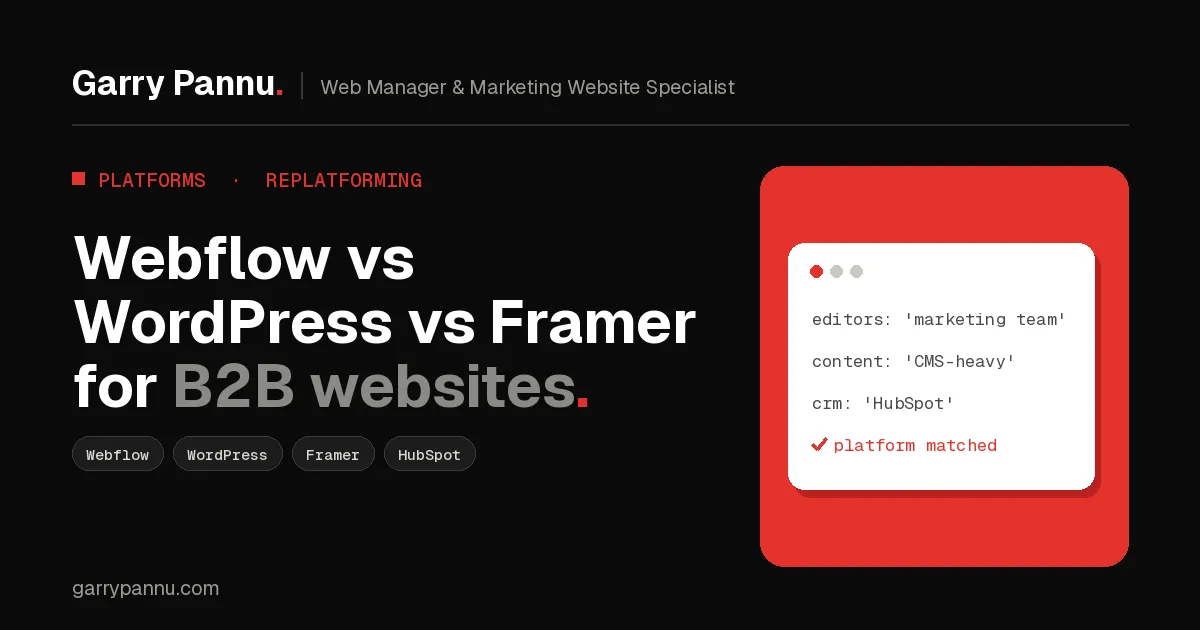
Quick answer: pick Webflow if marketers need to run a structured, content-heavy B2B site without developers. Pick WordPress if you need deep plugin flexibility and have someone to maintain it. Pick Framer for a fast, design-led launch site with modest content. Go custom with Astro or Next.js when the site is part of the product.
Most B2B teams I talk to aren't really asking which platform is best. They're asking which one their marketing team can live with for the next three years without filing a ticket for every headline change, and without the site quietly falling apart in the background.
I build and manage marketing websites for SaaS, fintech and healthcare companies on all three. Here's how I help clients choose.
Key takeaways
- There is no SEO winner. All three give you control over titles, meta descriptions, redirects and sitemaps. Execution matters more than platform.
- Webflow suits marketing teams who publish a lot of structured content and want hosting handled for them.
- WordPress is the most flexible, but you own updates, plugins, hosting and security.
- Framer is the fastest way to ship a polished site, but plan its HubSpot form setup carefully.
- Go custom (Astro or Next.js) only when you have developers and a real reason the platforms can't meet.
Who should pick Webflow, WordPress or Framer?
Choose based on who edits the site and how much content it holds, not on which demo looked best. Here's the short version I give clients:
- Webflow: a SaaS or fintech marketing team with a designer, a regular stream of blog posts, case studies and landing pages, and little or no developer time.
- WordPress: an organisation that already has WordPress skills in-house or a retained developer, needs specific plugins, or has a large content library and established workflows.
- Framer: a startup or product team that wants a sharp, design-led site live quickly, with a smaller content footprint and designers doing most of the editing.
- Custom (Astro or Next.js): a company with engineers who need the marketing site tightly tied to the product, docs, or strict security and compliance requirements.
Which platform is best for SEO?
None of them will rank you on its own, and none of them will stop you ranking. Webflow and Framer both give you control over page titles, meta descriptions, Open Graph settings, 301 redirects and an auto-generated sitemap, with fast hosted delivery out of the box. WordPress can do all of this and more, usually through an SEO plugin, but performance depends on your theme, plugins and host.
Where SEO actually breaks is during a platform switch. Changing platforms usually changes URLs, and lost redirects are the most common cause of traffic drops I see after a relaunch.
Google's own site move guidance recommends mapping every old URL to its new one, using permanent server-side redirects, and keeping them for at least a year. Build that map before you pick a launch date, not after.
Which CMS is easiest for marketers to edit?
Webflow and Framer are easier day to day. WordPress is easier to extend. In Webflow, content editors can update CMS collections and page content without touching the design, and Webflow offers lower-cost content-editing seats alongside full designer seats. Framer also sells separate content editor seats, and its on-page editing is genuinely quick.
WordPress's block editor is familiar to many marketers, but the editing experience depends heavily on how the theme was built. A page-builder site loaded with plugins can be slow and fragile to edit.
What does hosting and maintenance look like?
Webflow and Framer are fully hosted, so there are no servers or core updates to manage. WordPress is the opposite. With Webflow and Framer, hosting, SSL and the CDN are part of the plan. You trade some control for that convenience: Webflow's code export doesn't carry your CMS content cleanly, and forms stop working off-platform, so moving away later is a rebuild.
WordPress is open source and runs on hosting you choose. That means someone has to own core, theme and plugin updates, backups, uptime and security. For a fintech or healthcare company, that ownership needs a name and a process attached, not a hope that someone will click Update.
How well does each platform work with HubSpot?
WordPress has the most mature HubSpot integration, Webflow is close behind, and Framer needs the most care.
- WordPress: the official HubSpot WordPress plugin adds the HubSpot tracking code automatically and gives you HubSpot forms, live chat and reporting inside WordPress. It needs a self-hosted WordPress.org site or a WordPress.com plan that allows plugins.
- Webflow: the HubSpot app for Webflow can embed HubSpot forms as an iframe, use a developer embed you style in Webflow (this needs Marketing Hub Professional or Enterprise), or map native Webflow forms to HubSpot. Mapped Webflow forms only support text input fields, so dropdowns and checkboxes need a HubSpot form.
- Framer: HubSpot forms go in through Framer's HubSpot component. Framer's help centre confirms that native Framer forms can't submit directly into HubSpot, only via email, Google Sheets or webhooks. Install the HubSpot tracking code too, or lead source attribution suffers.
Whatever you choose, submit a real test lead and confirm it lands in HubSpot with the right source before launch.
How does the cost model compare?
Webflow and Framer charge per site plus per editor seat. WordPress is free software, but you pay for hosting, premium plugins and maintenance time. I won't quote prices here because they change often, but the shape of each model matters more than the number:
- Webflow: a Site plan per site (CMS features sit on the higher site tiers), a separate Workspace plan, and paid seats for extra designers and editors. Add-ons such as localisation, analytics and A/B testing are extra.
- Framer: a plan per site with limits on pages, CMS collections, CMS items and bandwidth, with paid add-ons to go past them. Extra editors are billed per seat.
- WordPress: hosting, a theme or custom build, premium plugin licences, and ongoing developer or agency time. The software is cheap. The people aren't.
Price out year two, not just launch.
When should you go custom with Astro or Next.js?
When the platforms are the constraint, not the team. I recommend a custom build when the marketing site needs to share components or authentication with the product, when you need strict control over scripts, headers and data for compliance, or when performance and scale requirements outgrow a hosted builder.
Custom doesn't have to mean marketers lose control. Pair Astro or Next.js with a headless CMS so marketers keep a visual editor while developers own the front end. The catch: you now need developers for every structural change.
Frequently asked questions
Is Webflow better than WordPress for B2B SaaS?
For most marketing-led SaaS teams without in-house developers, yes. WordPress wins when you need specific plugins or already have WordPress expertise.
Is Framer good for SEO?
Yes. Framer gives you control over metadata, redirects and sitemaps on hosted, fast pages. Its limits are content scale and integrations, not SEO.
Can I move from WordPress to Webflow without losing rankings?
Yes, if you map every old URL, set up permanent 301 redirects, update internal links and submit a new sitemap in Search Console. Expect some fluctuation for a few weeks.
Do I need a developer for Webflow or Framer?
Not for day-to-day edits. You'll still want an experienced builder for the initial design system, CMS structure, tracking and HubSpot setup.
Should healthcare or fintech companies avoid hosted builders?
Not automatically. Review each vendor's security documentation, and keep sensitive data out of website forms.
If you're weighing a replatform or a new build, I'm happy to look at your content, team and HubSpot setup with you. Book a call and we'll work out which platform fits.

Written by
Garry Pannu
I design, build and manage marketing websites for SaaS, fintech, healthcare and IT companies, keeping them error-free, search-ready and properly tracked.