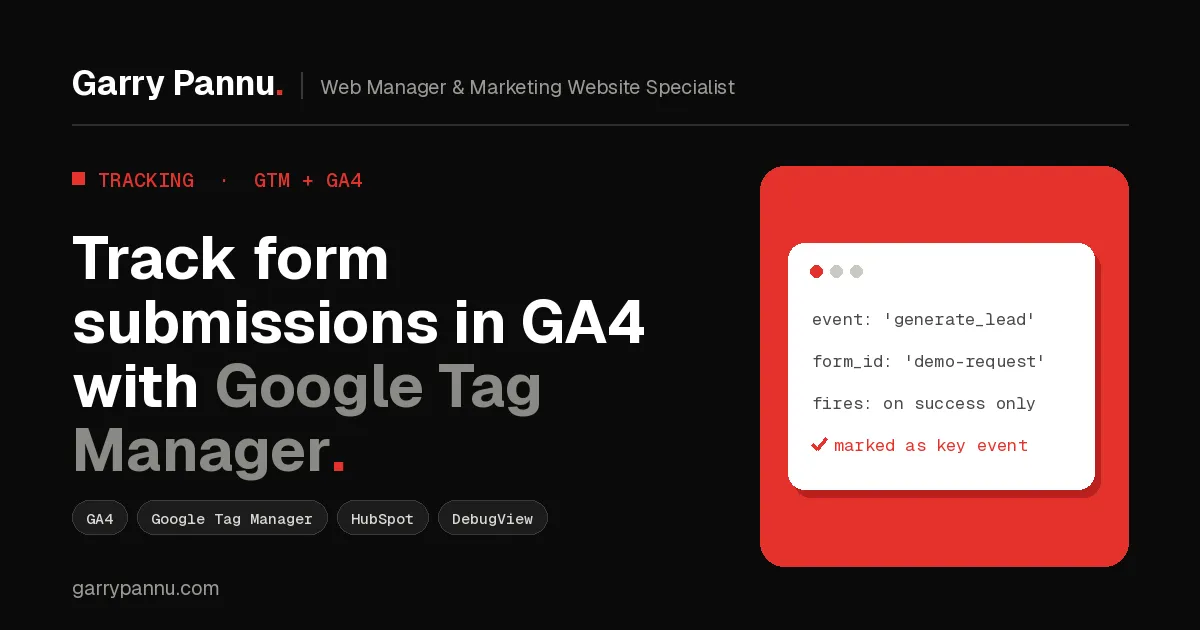
Quick answer: to track form submissions in GA4, push a dataLayer event only when the form confirms success, catch it in Google Tag Manager with a Custom Event trigger, and send it to GA4 as generate_lead. Then mark generate_lead as a key event and test it in Preview mode and DebugView.
Almost every B2B marketing site I'm asked to look at has the same problem. The form works and leads arrive in the inbox, but GA4 shows either nothing or twice as many leads as the CRM. Marketing can't tell which channel brought the demo request, and the paid team optimises against bad numbers.
This is the GA4 form submission tracking setup I use on client sites: one clean event per real lead, tested, reportable, and connected to your CRM.
Key takeaways
- Track the confirmed submission, never the button click.
- Use GA4's recommended event generate_lead and mark it as a key event.
- GTM's built-in Form Submission trigger misses most HubSpot, Webflow and JavaScript forms.
- Never send names, emails or phone numbers to GA4. Keep personal data in your CRM.
- Pass UTMs into hidden form fields so your CRM knows where each lead came from.
What is GA4 form submission tracking?
It's recording a GA4 event every time a visitor successfully submits a form on your website. Done properly, it tells you which pages, channels and campaigns produce leads, and it gives Google Ads a reliable conversion to optimise toward.
GA4 has a recommended event for exactly this: generate_lead. Use it with a couple of parameters, such as form_id and form_name, so you can tell your demo form from your newsletter form.
Why doesn't GTM's Form Submission trigger work on my forms?
Because most modern forms don't do a normal browser submit. HubSpot, Webflow, Typeform and most React or Next.js forms send data in the background with JavaScript. GTM's built-in Form Submission trigger then either never fires or fires on every click, including failed validation.
A button click is an attempt. A confirmed submission is a lead. Only track the second one.
How do you track form submissions in GA4 with Google Tag Manager?
Six steps: push a success event, catch it in GTM, send it to GA4, mark it as a key event, test, then publish.
Step 1: Push a dataLayer event when the form succeeds
For HubSpot forms built in the updated forms editor, listen for HubSpot's global form event hs-form-event:on-submission:success. Add this as a Custom HTML tag in GTM, firing on all pages:
<script>
window.addEventListener('hs-form-event:on-submission:success', function (event) {
  window.dataLayer = window.dataLayer || [];
  window.dataLayer.push({
    event: 'lead_form_success',
    form_id: event.detail.formId
  });
});
</script>
Legacy HubSpot forms use the older hsFormCallback message (onFormSubmitted) instead, so check which editor your forms were built in before copying any snippet. On Webflow, Astro or a custom Next.js site, ask your developer to push the same event in the form's success handler. That's usually one line of code.
Step 2: Create a Custom Event trigger in GTM
In GTM, go to Triggers > New > Custom Event and set the event name to lead_form_success.
Step 3: Create a Data Layer Variable for the form ID
Go to Variables > New > Data Layer Variable, and set the variable name to form_id.
Step 4: Add a GA4 Event tag
Create a Google Analytics: GA4 Event tag with your measurement ID and the event name generate_lead. Add an event parameter called form_id with the variable from Step 3, and attach the trigger from Step 2.
Step 5: Mark generate_lead as a key event
In GA4, go to Admin > Data display > Events and mark generate_lead as a key event. Key events are what GA4 used to call conversions, and they're what you import into Google Ads.
Step 6: Test, then publish
Use GTM Preview mode and GA4 DebugView together. Submit a real test lead. lead_form_success should appear once in Tag Assistant, the GA4 tag should fire once, and generate_lead should land in DebugView with the right form_id. Then submit the form with a required field missing and confirm that nothing fires. Only then publish the container.
What if I can't edit the website code?
Use a thank-you page. Redirect successful submissions to a dedicated URL like /thank-you/ and fire the GA4 event on that page view. It's less precise than a success event, because refreshes and direct visits can double count, but it's far more reliable than tracking clicks.
How do I get the lead source into my CRM?
Capture UTMs into hidden form fields. GA4 tells you which channels convert, but your CRM needs that answer on every contact. Save utm_source, utm_medium and utm_campaign from the landing page URL in a first-party cookie, then write them into hidden fields on the form. In HubSpot, map those fields to contact properties, and you can report pipeline and revenue by campaign, not just form fills.
Frequently asked questions
Is generate_lead better than a custom event name?
Yes, for most sites. It's one of GA4's recommended events, so it reads clearly in reports and imports cleanly into Google Ads.
Why does GA4 show more leads than my CRM?
Usually the tag fires on clicks or failed submissions, or two triggers fire the same tag. Track only the success event and check Preview mode for duplicates.
Can I send the lead's email address to GA4?
No. Google doesn't allow personally identifiable information in Google Analytics. Keep personal data in your CRM and send only IDs and form names to GA4.
Do I still need GA4 tracking if HubSpot already records submissions?
Yes, if you report in GA4 or run Google Ads. HubSpot records the contact, but GA4 needs its own event to attribute sessions, channels and campaigns.
How long until generate_lead shows in GA4 reports?
DebugView shows it within seconds. Standard reports can take up to 24 to 48 hours to fill in.
If your GA4 and CRM lead numbers don't match, I'm happy to look at your setup with you. Book a call and we'll find where the leads are leaking.

Written by
Garry Pannu
I design, build and manage marketing websites for SaaS, fintech, healthcare and IT companies, keeping them error-free, search-ready and properly tracked.